

Where to Find Google Conversion Tag? How to Find Google Conversion Tag? Where to Locate Google Conversion Tag?
Conversion Tag
You can Find Google Conversion Tag in Google Ads
Follow the Below steps to Find Google Conversion Tag
Open Google Ads and log in.
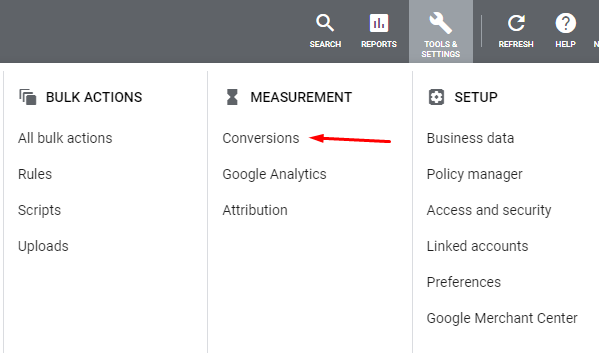
Click on Tools and Settings as shown in the below image.

Click on Conversions in Measurement Column
Choose the conversion you want to track or create a new conversion. Here You can choose as shown in the below image
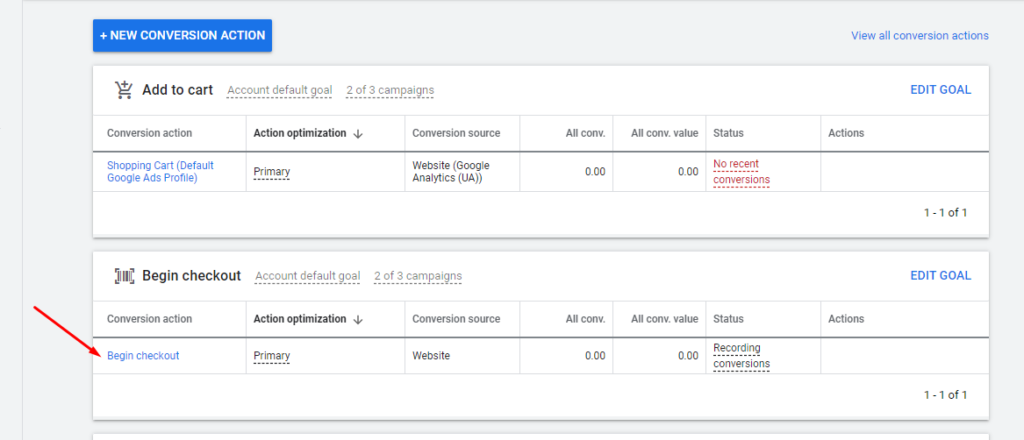
You will get the below screen
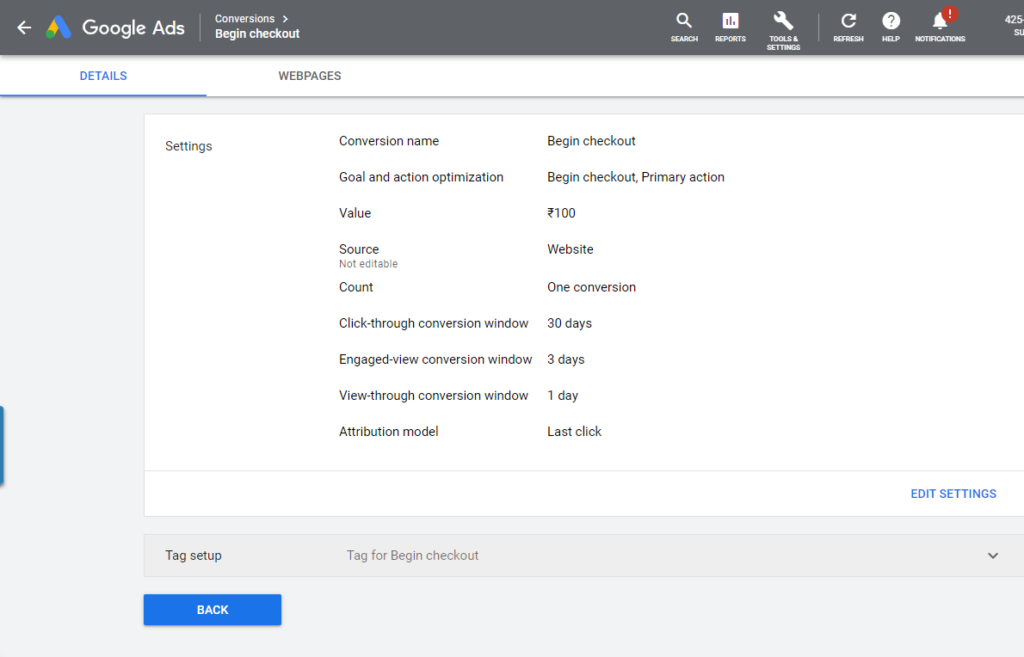
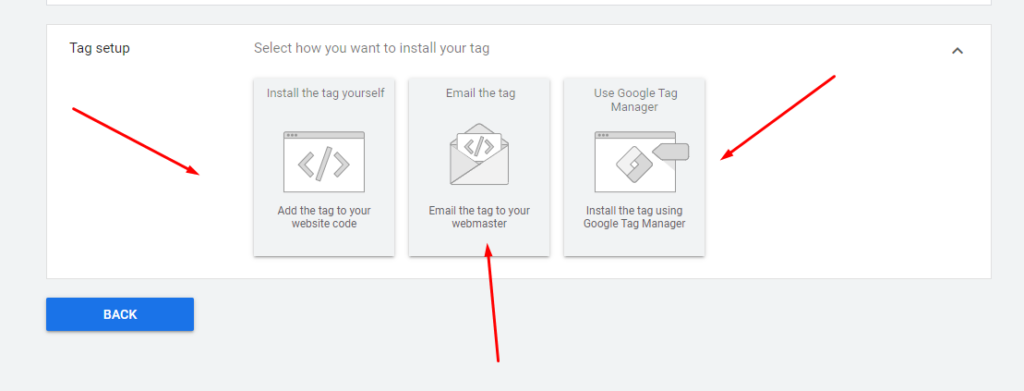
Click on tag set up
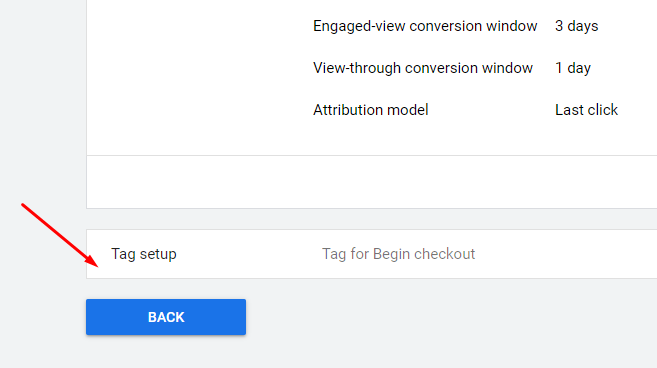
After clicking Tag Set up, you will have three options to get the Conversion Tag Code; Install Yourself, Email, and Tag Manager. You can choose any of these options.
Hope you found this post useful. Please leave your feedback and comments in the below comment section.
Cheers
Suniltams Guruji
India’s Leading Digital Coach
This is the simplest and easiest post on How to find Google Conversion Tag